Photos and the timeline
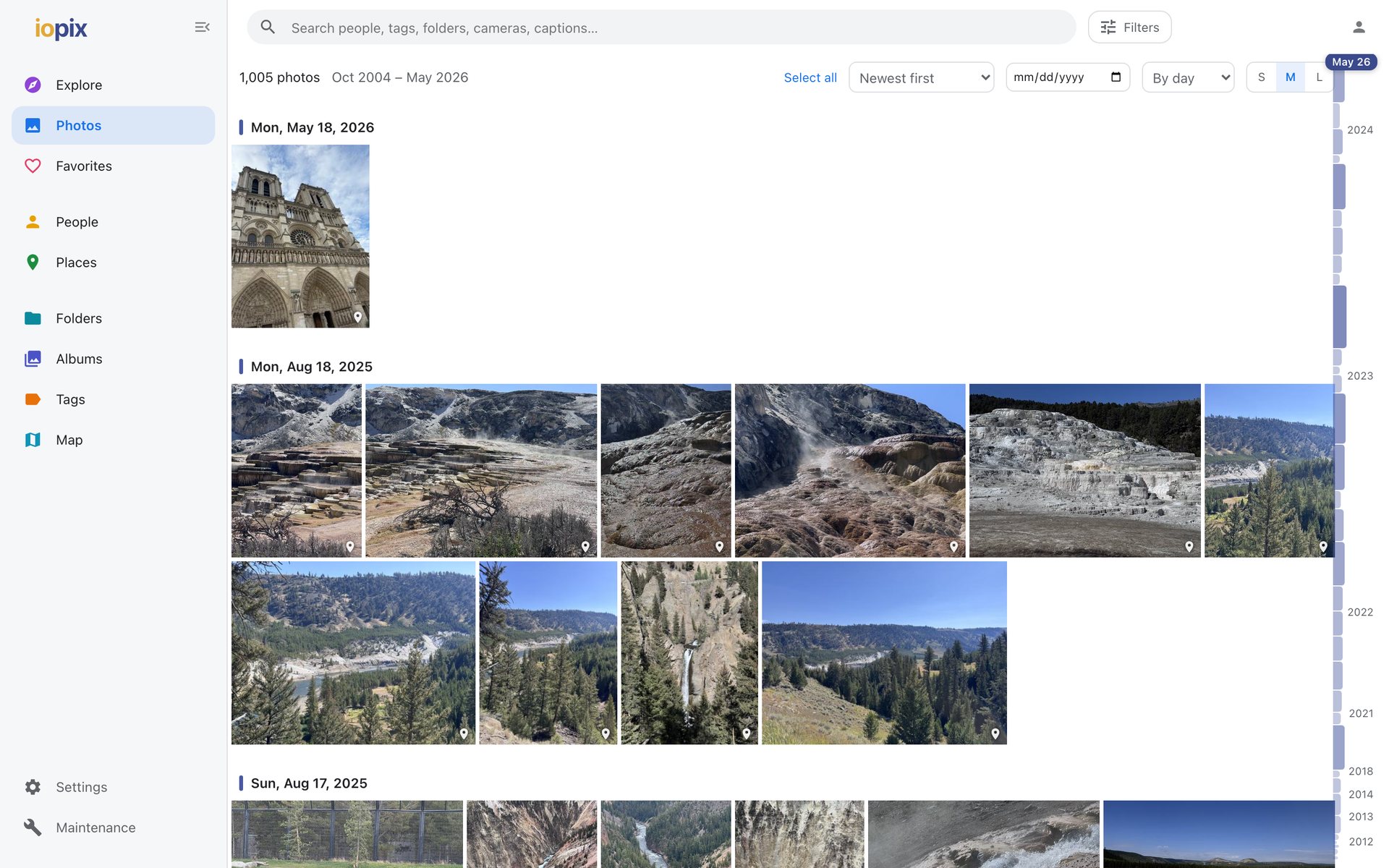
Photos is the whole library as one long timeline, newest first, grouped by day. It stays smooth with hundreds of thousands of photos, because only what is on screen is drawn.
Getting around
- The timeline rail on the right shows how many photos each month has. Hover it for a preview of that month; drag it to jump.
- A date box in the bar above the grid jumps straight to a day.
- Choose from three tile sizes.
- Sort in several orders, including oldest first and, once sharpness has been measured, sharpest first.
Badges
Thumbnails can carry small badges: faces, a place, favorite. Turn them on or off in Settings › Display › Thumbnail badges.
Videos
Videos play in the viewer, with a thumbnail made from the video itself. Formats a browser cannot play directly are converted for playback.
Light and dark
Settings › Display › Appearance chooses light (the default), dark, or follow the device. Signed in, the choice is saved with your account and follows you to other devices.