iopix documentation
iopix is a web companion for your digiKam library. It runs on a computer at home, reads the library digiKam already keeps, and lets everyone in the house browse, search and look after the photos from a browser, a phone or a TV.
Start here
Quick startFrom nothing to browsing your library in about ten minutes. How iopix worksWhat it reads, what it writes, and where it keeps its own data. Choosing an installDocker, Proxmox, the Linux installer or a plain checkout. Connecting to digiKamYour photo folder and digiKam's database, SQLite or MariaDB.
Using iopix
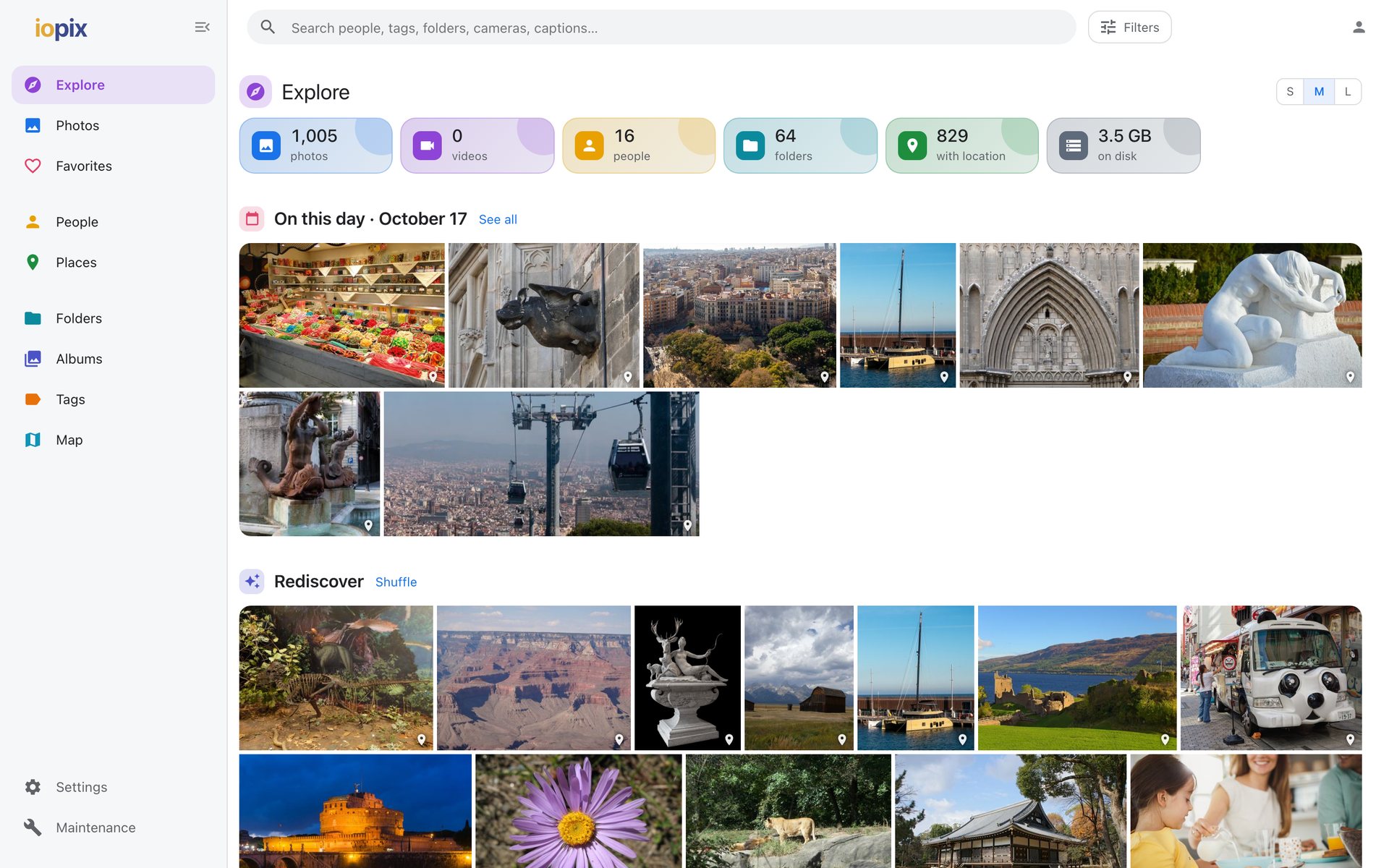
ExploreOn this day, Rediscover, Then and now, trips and more. Search and filtersInstant suggestions, chips that combine, filters with counts. The photo viewerZoom, swipe, faces, the info panel and keys. People and facesEveryone digiKam knows, and the faces still to name. Places and the mapCountries to towns, clusters, a day's trail. Phones and appsInstall on a phone, and the native Apple apps.
Editing and looking after the library
How editing worksSidecars, image files, digiKam's database, and the safety rails. Naming facesLook-alike groups, suggestions, drawing a face. The edit logEvery change kept for good, with Undo. AI analysisContent search, objects, text and descriptions, all local. Users and sign-inViewers, editors, admins, and sign-in from outside. MCP serverLet an AI assistant search your library.
All pages
The sidebar lists every page. If you are looking for a setting by name, try the search box at the top, or the configuration reference.